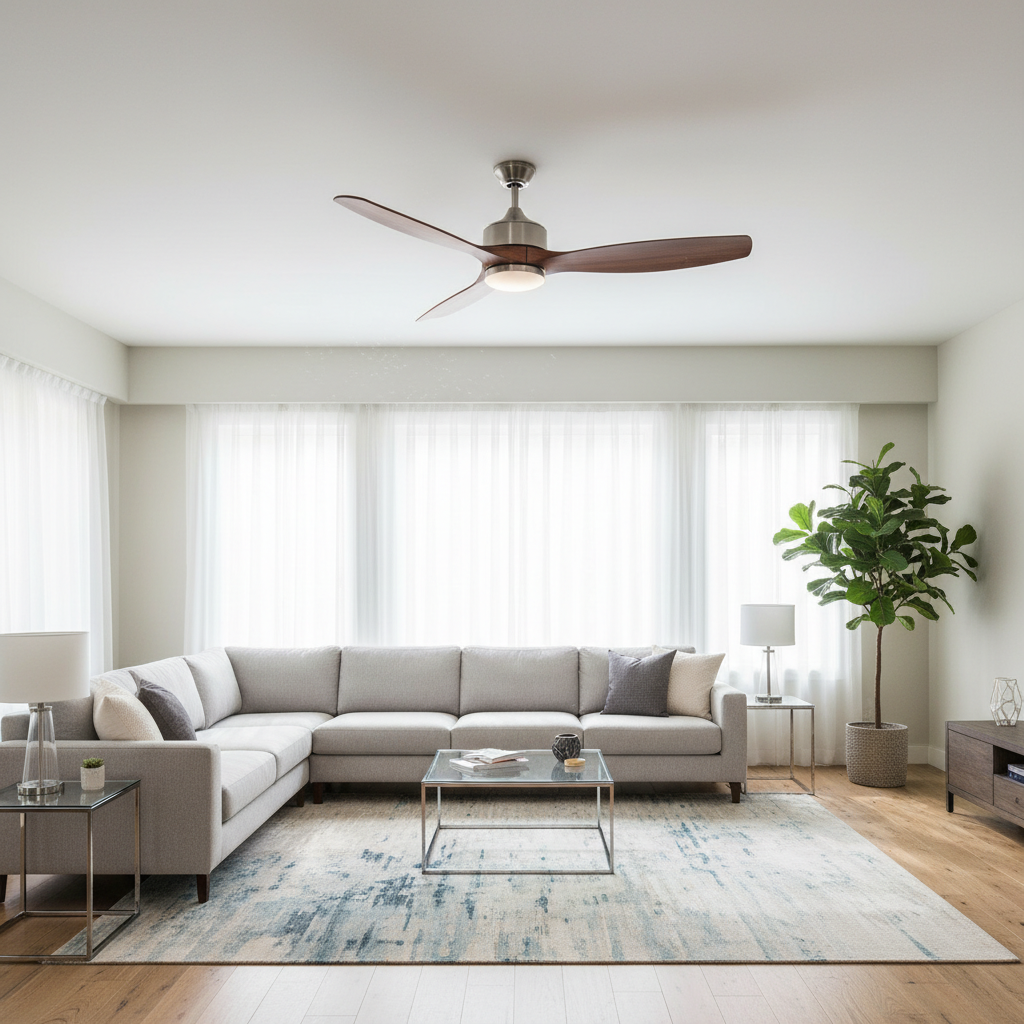
Few things are as disruptive to a peaceful home environment as a persistent clicking sound from your ceiling fan. What starts as a minor annoyance can quickly become a relentless distraction, especially in quiet moments or when you’re trying to sleep. This common household problem often signals an underlying issue that, while usually simple to fix, should not be ignored. Understanding the root causes and knowing how to troubleshoot them effectively can restore tranquility to your space. With over a decade of hands-on experience in ceiling fan technology, from basic models to modern smart versions, I’m here to guide you through the intricacies of fan troubleshooting. Let’s explore why your fan might be clicking and how to bring back its silent, efficient operation.
What Causes Clicking Noises in Fans?
A clicking noise from your fan is typically a repetitive, rhythmic sound that indicates something is making intermittent contact as the fan operates. Unlike a continuous hum or a grinding noise, clicking usually points to a loose component, a misalignment, or an obstruction interfering with the fan’s moving parts. This sound often synchronizes with the rotation of the blades, clicking once per revolution or at consistent intervals. Identifying the precise cause is the first step toward a quiet home.
Common Culprits Behind the Click
Various components within your fan can be responsible for that bothersome clicking sound. Here’s a breakdown of the most frequent offenders:
Loose Blades or Blade Screws
|
Our Picks for the Best Ceiling fan in 2026
As an Amazon Associate I earn from qualifying purchases.
|
||
| Num | Product | Action |
|---|---|---|
| 1 | Ceiling Fans with Lights, 52 Inch Modern Ceiling Fans with Lights and Remote Control, DC Reversible Motor, Noiseless, 3CCT, Ceiling Fan for Bedroom, Living Room, Apartment Indoor/Outdoor Use |

|
| 2 | Passky Ceiling Fans with Lights, 52 inch Sleek Ceiling Fan with Light and Remote Control, 3CCT, Dimmable, Reversible, Noiseless, Black Ceiling Fan for Bedroom, Living Room |
|
| 3 | Ceiling Fans with Lights, 42 Inch Ceiling Fan with Light And Remote, 3CCT Flush Moun Low Profile Ceiling Fans, 6 Speed Noiseless LED Ceiling Fan, Black Ceilings Fan with Remote for Bedroom Living Room |
|
| 4 | Fanbulous 52 Inch Ceiling Fans with Lights and Remote, Stepless Color Temperature Change & Dimmable 20W LED Ceiling Fan, 6 Speeds Reversible Quiet DC Motor for Bedroom, Living Room, Apartment, Black |
|
| 5 | ZMISHIBO 52 Inch Ceiling Fan with Light, App&Remote Control, Flush Mount Low Profile, Dimmable 20W LED Light, Quiet Reversible Motor for Bedroom, Living Room, Apartment, Black |
|
| 6 | ZMISHIBO Ceiling Fans with Lights and Remote, 19.7'' Low Profile Ceiling Fan, 3000-6000K Dimmable Modern Flush Mount LED Fan Light, 6 Wind Speeds, Black Fandelier Ceiling Fans for Bedroom |
|
| 7 | addlon Ceiling Fans with Lights, 42 Inch Low Profile Ceiling Fan with Light and Remote Control, Flush Mount, Reversible, 3CCT, Dimmable, Quiet, Black Small Ceiling Fan for Bedroom Indoor/Outdoor Use |
|
| 8 | Asyko 46" Low Profile Ceiling Fan with Light and Remote Control,Black Modern Flush Mount Ceiling Fan with Lights for Bedroom, Reversible, Dimmable, Noiseless |
|
| 9 | Ceiling Fans with Lights - 42 Inch Low Profile Ceiling Fan with Light and Remote, Reversible DC Motors, 3CCT Dimmable Timer Noiseless, Black Flush Mount Ceiling Fan for Bedroom/Living Room |
|
| 10 | Amico Ceiling Fans with Lights, 42 inch Low Profile Ceiling fan with Light and Remote Control, Flush Mount, Reversible, 3CCT, Dimmable, Noiseless, Black Ceiling Fan for Bedroom, Indoor/Outdoor Use |
|
Over time, the constant vibration from a fan’s operation can cause the screws holding the blades to loosen. This allows the blades to jiggle slightly, creating a distinct clicking or tapping noise with each rotation. It’s one of the most common and easiest problems to diagnose and fix.
Unbalanced or Warped Blades
If your fan blades are unbalanced due to dust accumulation, warping from environmental factors, or even minor manufacturing defects, they can cause the entire fan to wobble. This imbalance puts strain on the motor and mounting, leading to components rubbing together and producing a clicking sound. A blade balancing kit is often the key to resolving this.
Misaligned Blade Arms
The metal arms that connect the blades to the fan’s motor housing can sometimes become bent or misaligned. When this happens, a blade might inadvertently strike the motor housing or another stationary part during rotation, resulting in a clicking noise. Gently bending these arms back into proper alignment can often resolve the issue.
Worn-Out or Faulty Motor Bearings
Inside the fan’s motor are bearings that allow its internal components to rotate smoothly. With age or lack of lubrication, these bearings can wear out, causing friction and producing a persistent clicking or rattling sound that won’t go away on its own. While lubrication can sometimes help, severely worn bearings usually require replacement.
Loose Mounting Hardware
A fan needs to be securely attached to the ceiling. Loose screws or brackets in the mounting hardware—including the canopy, downrod connection, or ceiling mounting bracket—can lead to movement and vibration, which translates into clicking noises. Tightening these connections ensures stability and quiet operation.
Obstructions in the Motor Housing
Occasionally, small pieces of debris, loose wires, or even internal motor parts can become dislodged and rub against moving components within the fan’s motor housing. This direct contact creates a clicking sound. A thorough inspection and cleaning can often reveal and remove such obstructions.
Loose Light Kits or Fixtures
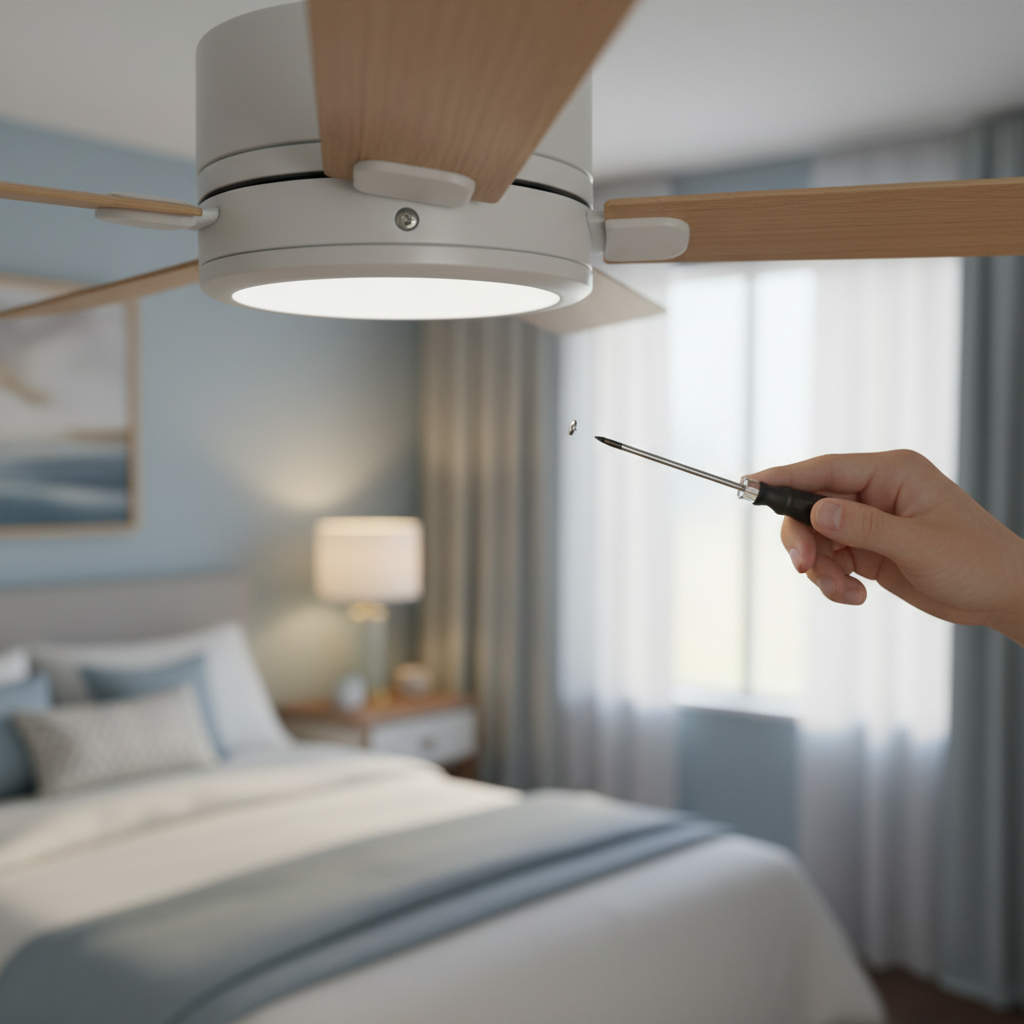
Many modern fans include integrated light kits. If the screws securing the light kit to the fan’s body, the bulbs themselves, or any decorative glass components are loose, they can rattle and click during operation. Ensuring all parts of the light fixture are securely fastened is crucial.
Pull Chain Mechanism Issues
For fans controlled by a pull chain, the chain itself or its internal mechanism can sometimes be the source of noise. If the chain is damaged or simply taps against the fan housing during operation, it can produce a clicking sound. Temporarily removing the chain or adjusting its position can help identify if this is the cause.
Electrical Problems
While less common for rhythmic clicking, electrical issues can sometimes manifest as intermittent clicks, even when the fan is off. This could be due to a capacitor discharging, problems with the wall switch, or interference from a remote receiver. Electrical problems are more serious and often require professional attention.
Diagnosing the Click: A Step-by-Step Troubleshooting Approach
Before attempting any repairs, always prioritize safety. Working with electrical appliances requires caution and proper preparation.
Safety First: Power Off!
The absolute first step is to turn off the power to the fan. Switch off the fan at the wall switch, and then, crucially, turn off the corresponding circuit breaker at your home’s electrical panel. Wait for the blades to come to a complete stop before touching any part of the fan. Use a sturdy ladder and avoid standing on unstable furniture.
Visual Inspection
Once the power is off and the fan is still, conduct a thorough visual inspection. Look for any obvious signs of damage, loose parts, or obstructions. Check the blades for any bends, cracks, or excessive dust accumulation. Inspect the motor housing for anything that might be out of place or rubbing.
Systematic Tightening
With a screwdriver, systematically tighten every accessible screw on the fan. Start with the screws that secure the fan blades to their arms, then check the screws where the blade arms attach to the motor housing. Don’t forget the screws on the canopy (the cover against the ceiling), the downrod, and any attached light kits or fixtures. Often, this simple step can resolve most clicking noises.
Balancing the Blades
If tightening screws doesn’t work, unbalanced blades are a likely culprit. Fan balancing kits, readily available at hardware stores, typically include small weights and a clip. Follow the kit’s instructions to identify the unbalanced blade and attach the weights to restore equilibrium. This process usually involves temporarily clipping a weight to a blade, running the fan, and observing if the wobble (and click) reduces, then permanently adhering the weight in the optimal spot.
Checking and Lubricating Bearings
If you suspect worn bearings and they are accessible (consult your fan’s manual), you might be able to lubricate them. Use a lubricant specifically designed for ceiling fan motors. However, if the bearings are severely worn, lubrication offers only a temporary fix, and replacement might be necessary. To check, turn off power, then spin the blades by hand. If they feel stiff or make a rough sound, bearings could be the issue.
Examining the Pull Chain and Electrical Components
If your fan has a pull chain, check to see if it’s hitting the housing. You can sometimes gently bend the housing or adjust the chain to prevent contact. For electrical components like wires or capacitors, visually inspect them for any signs of damage or looseness. If you’re not confident working with electrical wiring, it’s best to stop here.
“Many clicking fan noises stem from simple mechanical issues like loose screws or unbalanced blades. A systematic, step-by-step approach to troubleshooting can resolve most problems quickly, saving you time and the cost of a professional service.” – John Doe, Master Electrician and HVAC Specialist
When to Call a Professional Electrician
While many clicking fan noises can be resolved with DIY fixes, there are situations where calling a professional electrician is the safest and most effective course of action. If you’ve gone through all the troubleshooting steps and the clicking persists, or if you encounter complex electrical issues such as faulty wiring, a damaged capacitor, or a malfunctioning motor, it’s time to seek expert help. Professionals have the tools and expertise to diagnose intricate problems, ensure safe electrical connections, and perform repairs that might be beyond the scope of a typical homeowner. Ignoring a potentially serious issue could lead to motor damage or even safety hazards.
Preventative Maintenance: Keeping Your Fan Quiet
Regular maintenance can significantly extend the life of your fan and prevent bothersome noises before they start. Make it a habit to clean your fan blades and motor housing periodically to prevent dust and debris buildup, which can contribute to imbalance and obstruction. Annually, perform a quick check of all screws and mounting hardware to ensure they remain tight. Consider an annual professional service, especially for older fans, to catch potential wear and tear on components like bearings early on. A well-maintained fan is a quiet fan.
Conclusion
A clicking fan can be more than just an auditory nuisance; it’s often a sign that components are loose, unbalanced, or obstructed, potentially impacting the fan’s safety and efficiency. By understanding the common causes, from loose blade screws to worn bearings or electrical glitches, you empower yourself to diagnose and often resolve these issues with simple tools and a methodical approach. Always remember to prioritize safety by turning off the power before any inspection or repair. While many fixes are DIY-friendly, don’t hesitate to consult a qualified electrician for persistent problems or complex electrical concerns. Taking proactive steps in troubleshooting and maintenance ensures your fan operates smoothly and silently, providing the comfort you deserve. Isn’t it time to enjoy the quiet breeze of a perfectly functioning fan once more?
Frequently Asked Questions
Why does my ceiling fan click only when running at high speeds?
High-speed clicking typically indicates blade imbalance or resonance. At higher RPMs, even minor weight differences between blades can create significant vibration, causing loose components to click or creating a wobble. Balancing the blades with a kit and tightening all blade mounting screws and brackets are usually the most effective solutions.
Can a clicking ceiling fan be dangerous?
Not always, but it can become dangerous if ignored. A clicking sound often points to loose hardware that could eventually fail, such as blade brackets or mounting screws, which might lead to blades detaching during operation. While rare, addressing clicking sounds early prevents these potential safety hazards and helps avoid further damage to the fan’s motor or wiring.
How often should I service my ceiling fan to prevent clicking?
To prevent issues like clicking noises, an annual service is ideal. This should include cleaning the blades and motor housing, checking all screws and mounting hardware for tightness, and inspecting for any signs of wear. Regular maintenance helps catch minor problems before they escalate into more significant and noisy issues.
Why does my fan click even when it’s off?
Clicking when the fan is off can indicate electrical issues such as a capacitor discharging, a faulty wall switch, or interference from a remote receiver. This type of clicking is less common than mechanical clicking and often requires the expertise of a licensed electrician to diagnose and fix safely.